
TidyWL for Netflix Pro
Everything Pro adds, one at a time
The free extension does everything by hand, and stays free. Pro is for what a browser cannot do by hand: doing it for you, remembering it, or undoing it. Here is each feature, with a screenshot of it at work.
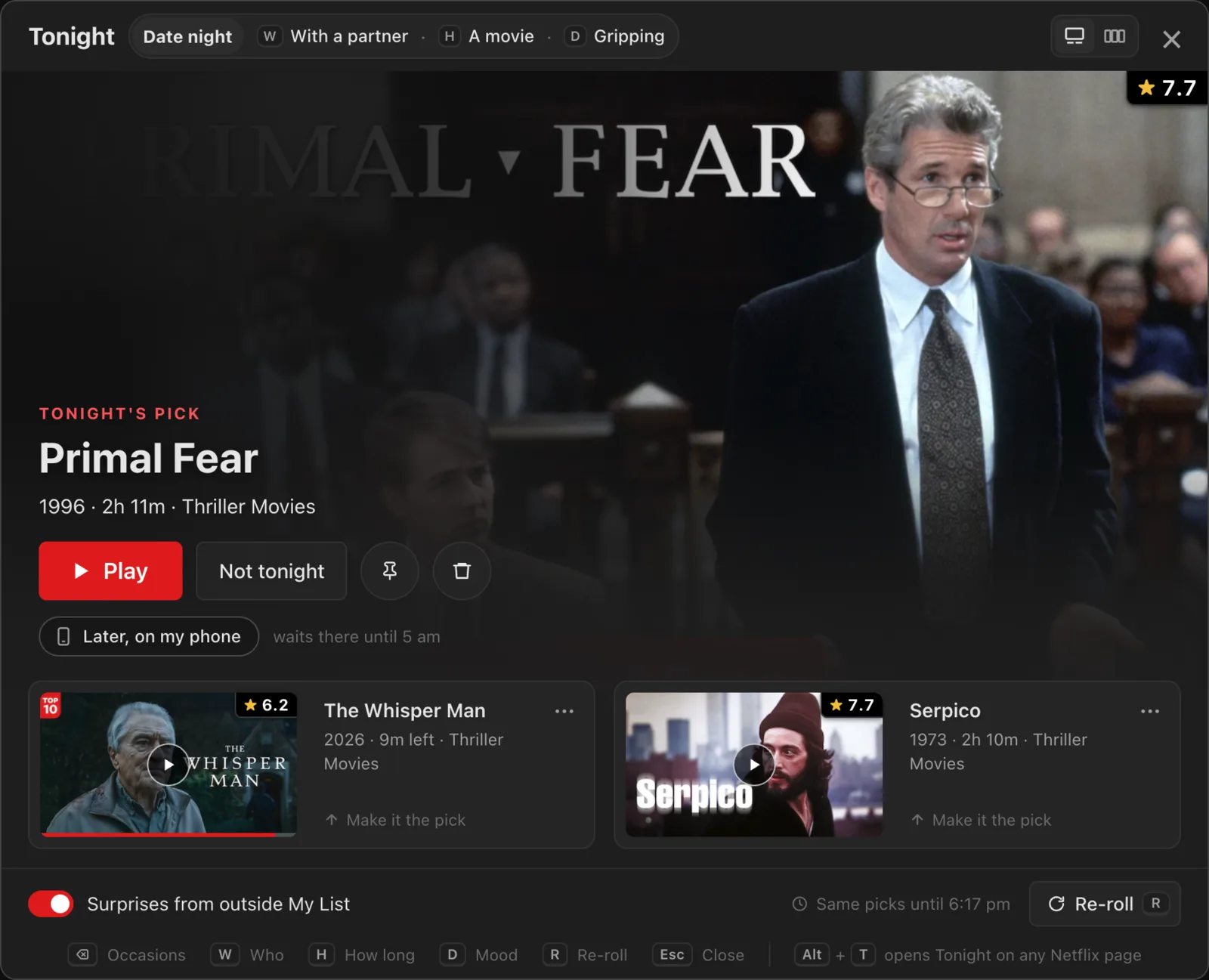
Tonight
Say who's watching, how long you have and what you are in the mood for, and Tonight deals one pick and two backups from My List, each with its reason: the IMDb rating, the runtime, the genre that fits. Surprises from outside it join in if you want them. Watching later? "Later, on my phone" keeps the pick on the TidyWL phone app until 5 am.
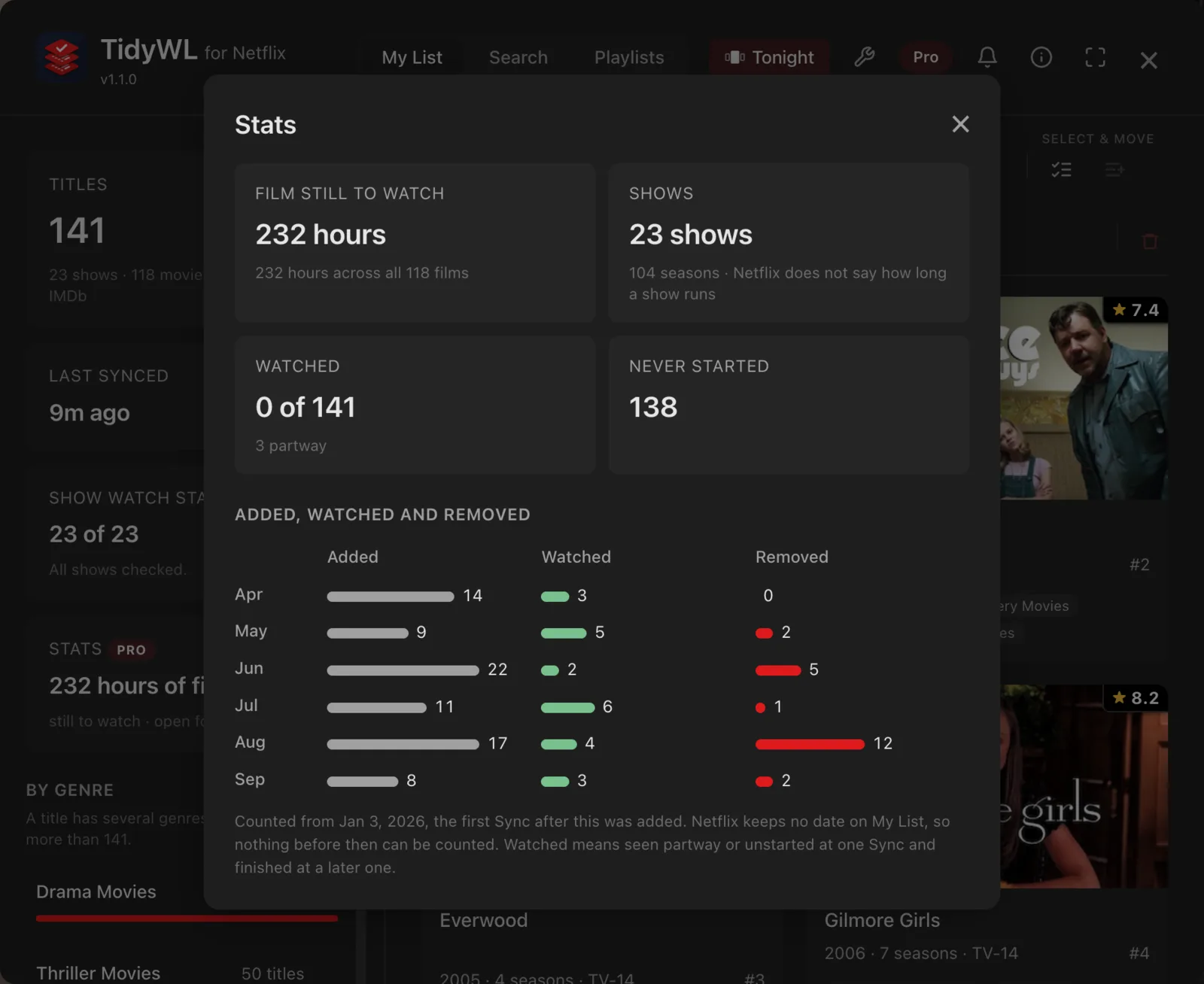
Pin
Pin a title and TidyWL won't remove it: no clean-up rule, no Move, and no bulk remove you run yourself. So you can clear a long list quickly without losing what you mean to watch. Unpinning never needs Pro, and a pin you already made keeps protecting its title whatever your plan.
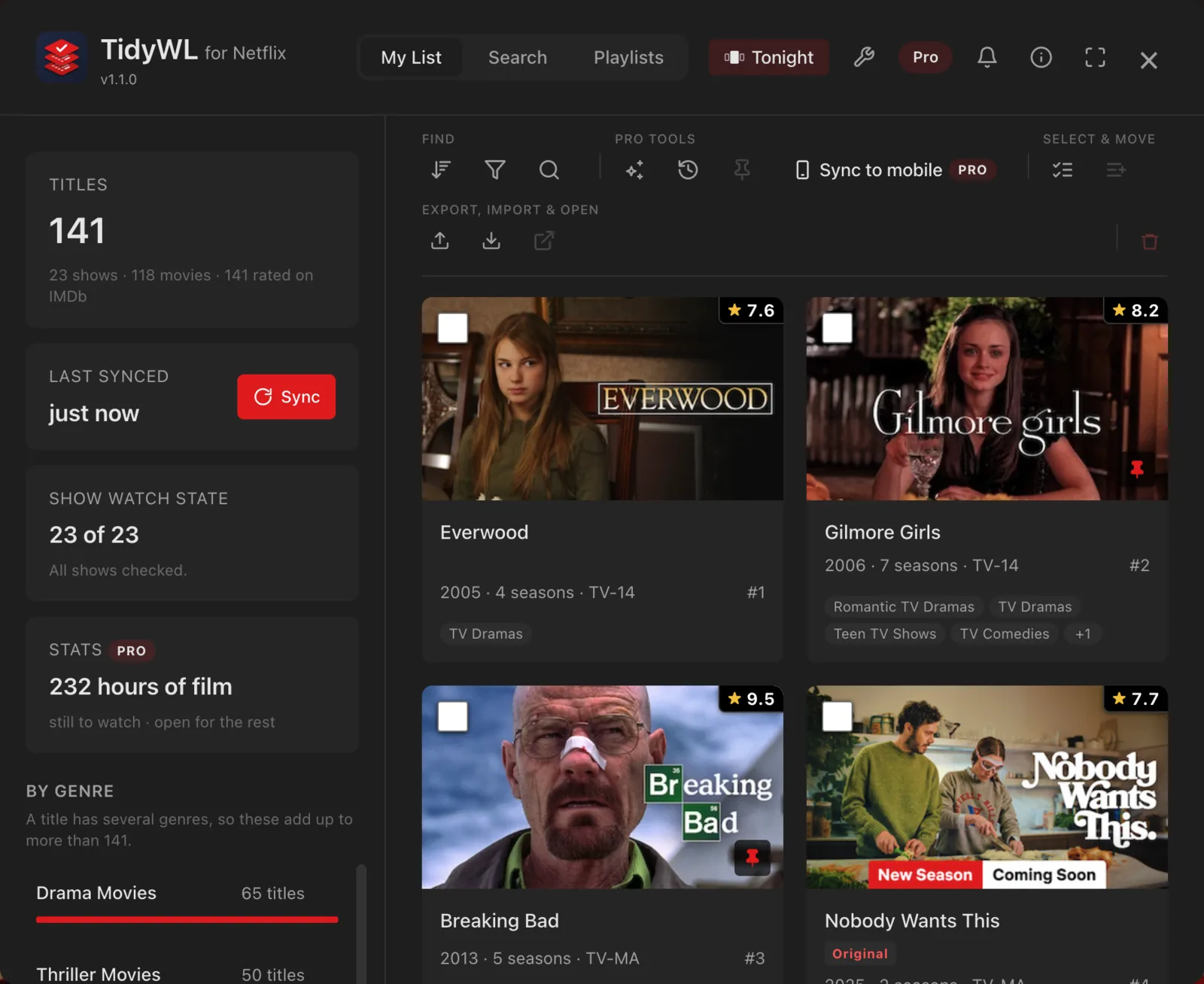
Undo and removal history
Everything you remove from My List is kept for 90 days on this device, so a clean-out you regret is not permanent. A removal's summary has an Undo, and Removal history puts back anything you removed in the last 90 days.
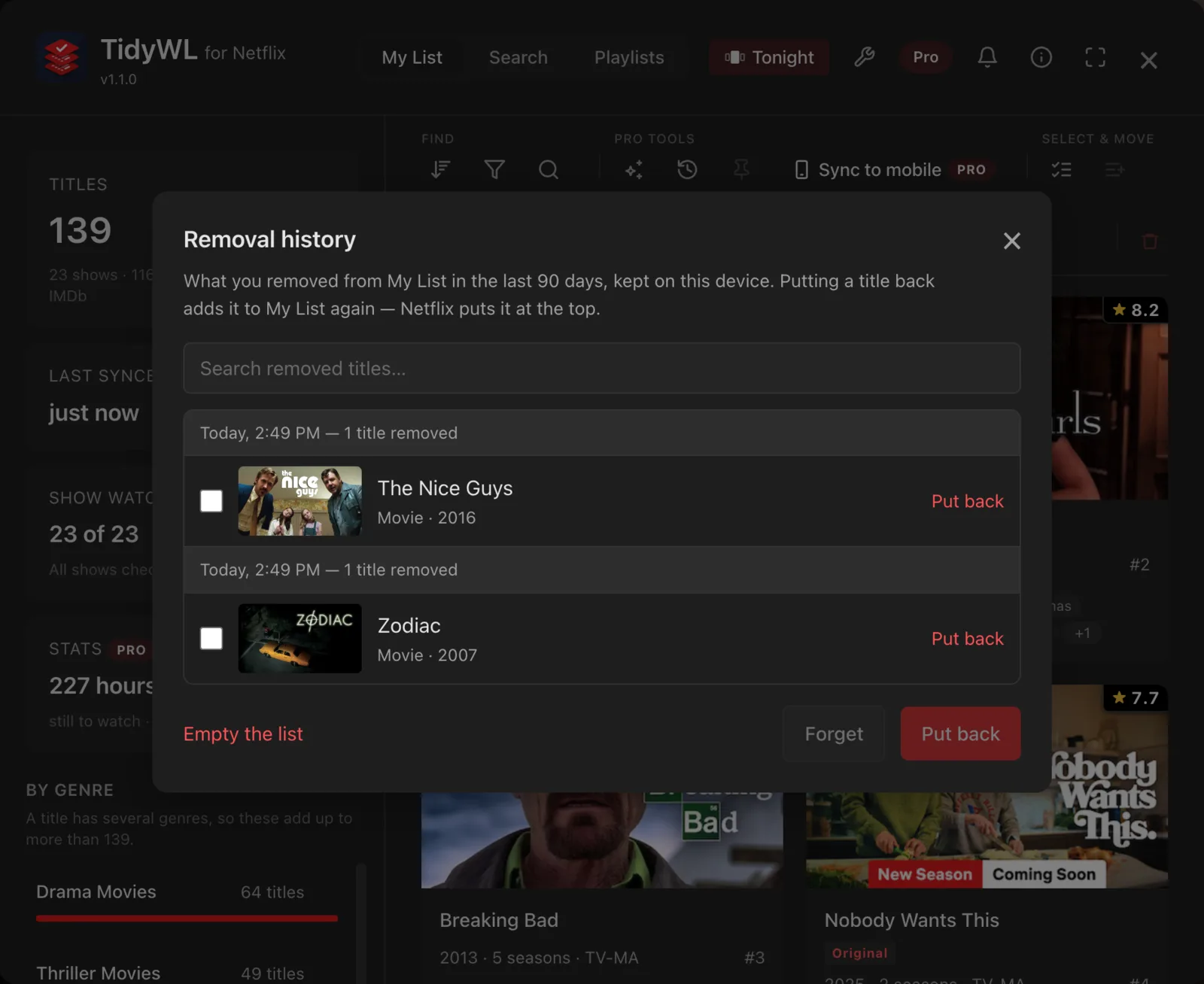
Stats
Hours of film still waiting in My List, and what you add against what you watch, month by month. One look tells you whether the list is getting shorter, or only longer.
Clean-up rules
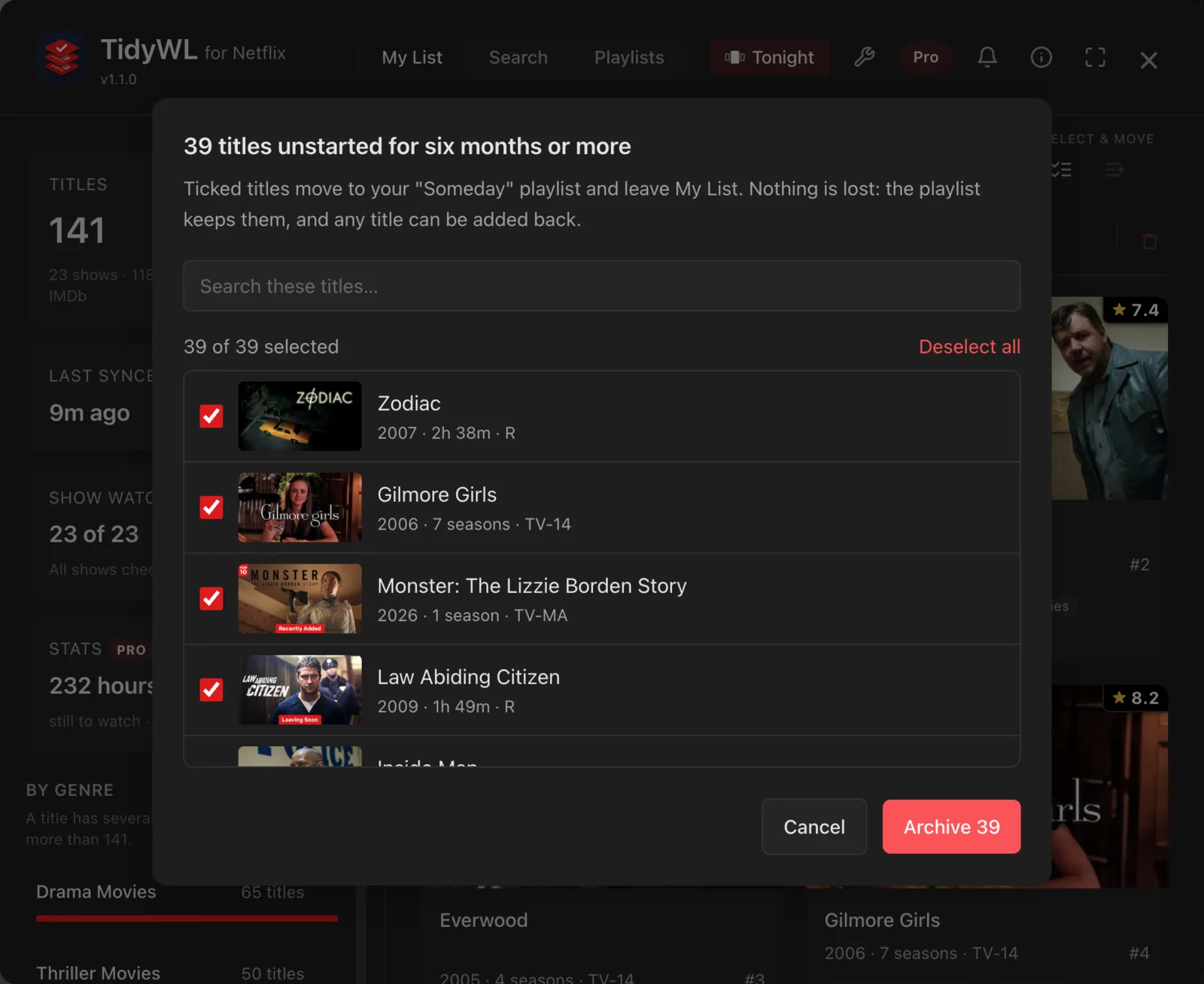
Two rules: archive what you have watched into a playlist, and move what has sat unstarted for six months into a "Someday" playlist. You see the list before anything moves, and a pinned title is never touched.
Mobile sync
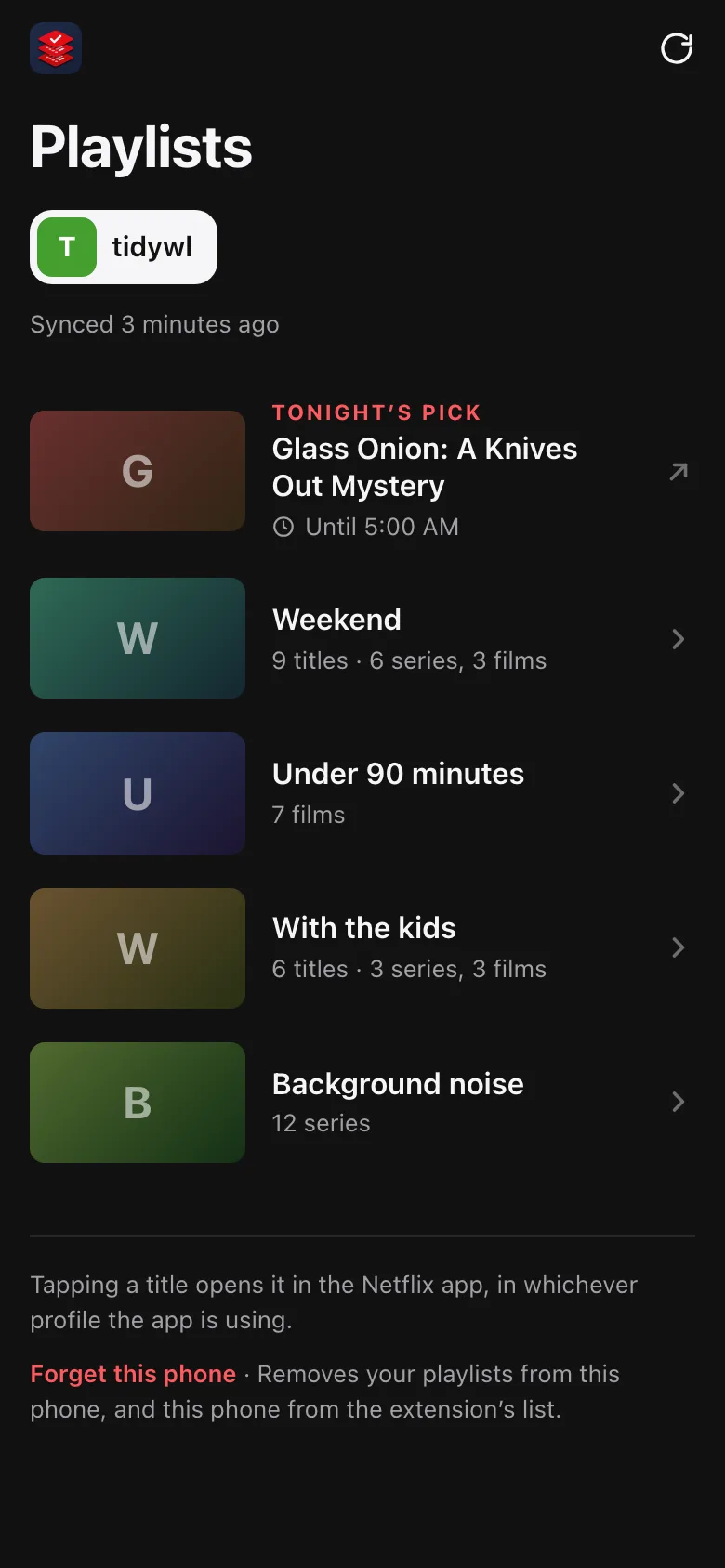
Your playlists in step across every browser you use — Chrome, Brave, another Google account, another computer — and on your phone, once you switch sync on. Pair a phone once and tidywl.com/netflix/app shows the playlists of every profile you have synced; tap a title and it opens in the Netflix app. The phone app is read-only, and it is where "Later, on my phone" keeps Tonight's pick until 5 am.
Up to 50 playlists
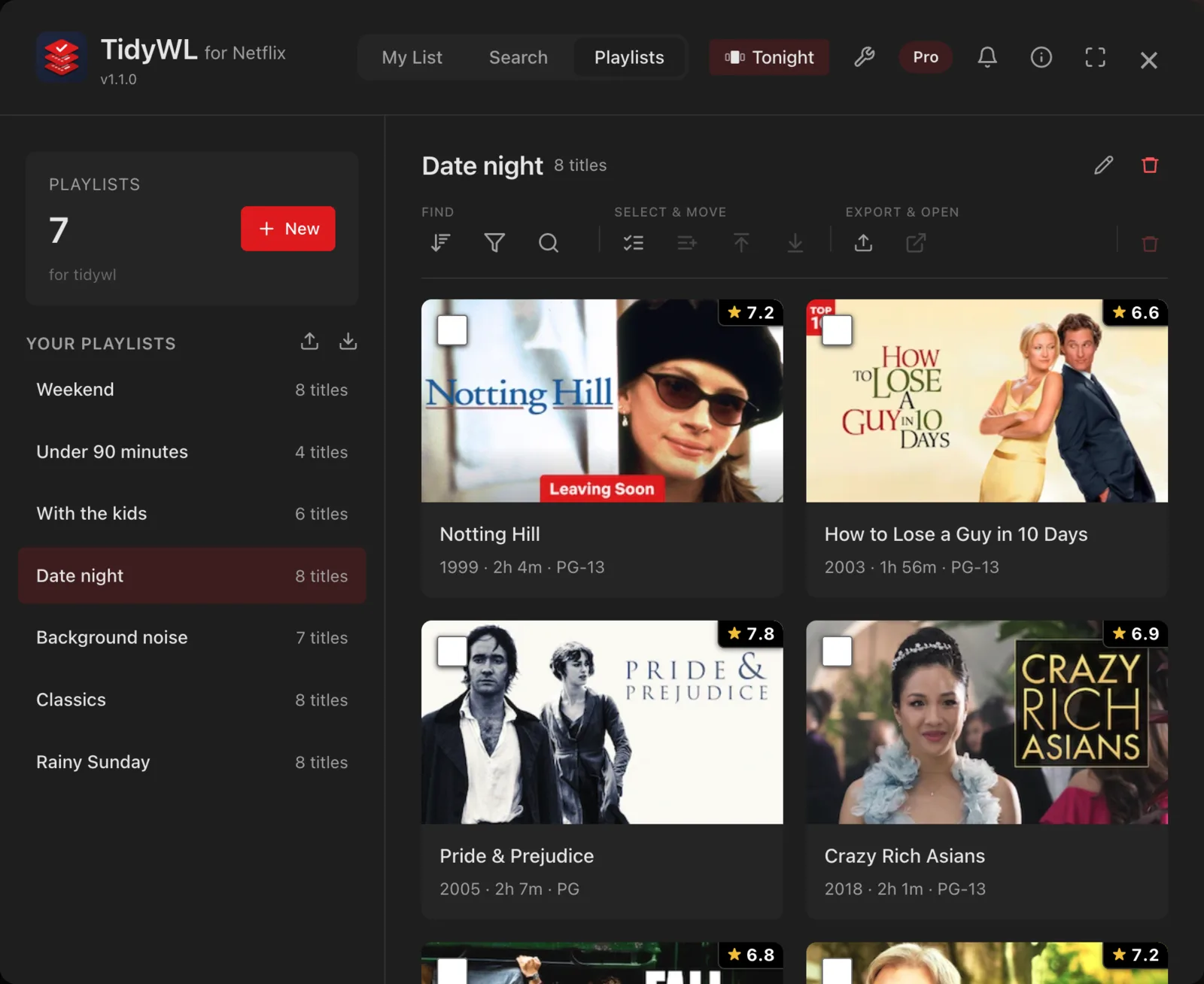
Free makes five playlists, counted across the profiles in this browser. Pro makes up to 50 a profile, with 500 titles in each, and puts them on your phone with mobile sync.
Try it on your own list
Pro starts with 7 days free, card required: cancel before day 8 and you pay nothing. Feature requests and support from subscribers are answered first. Prices, refunds and cancelling are on the pricing page.